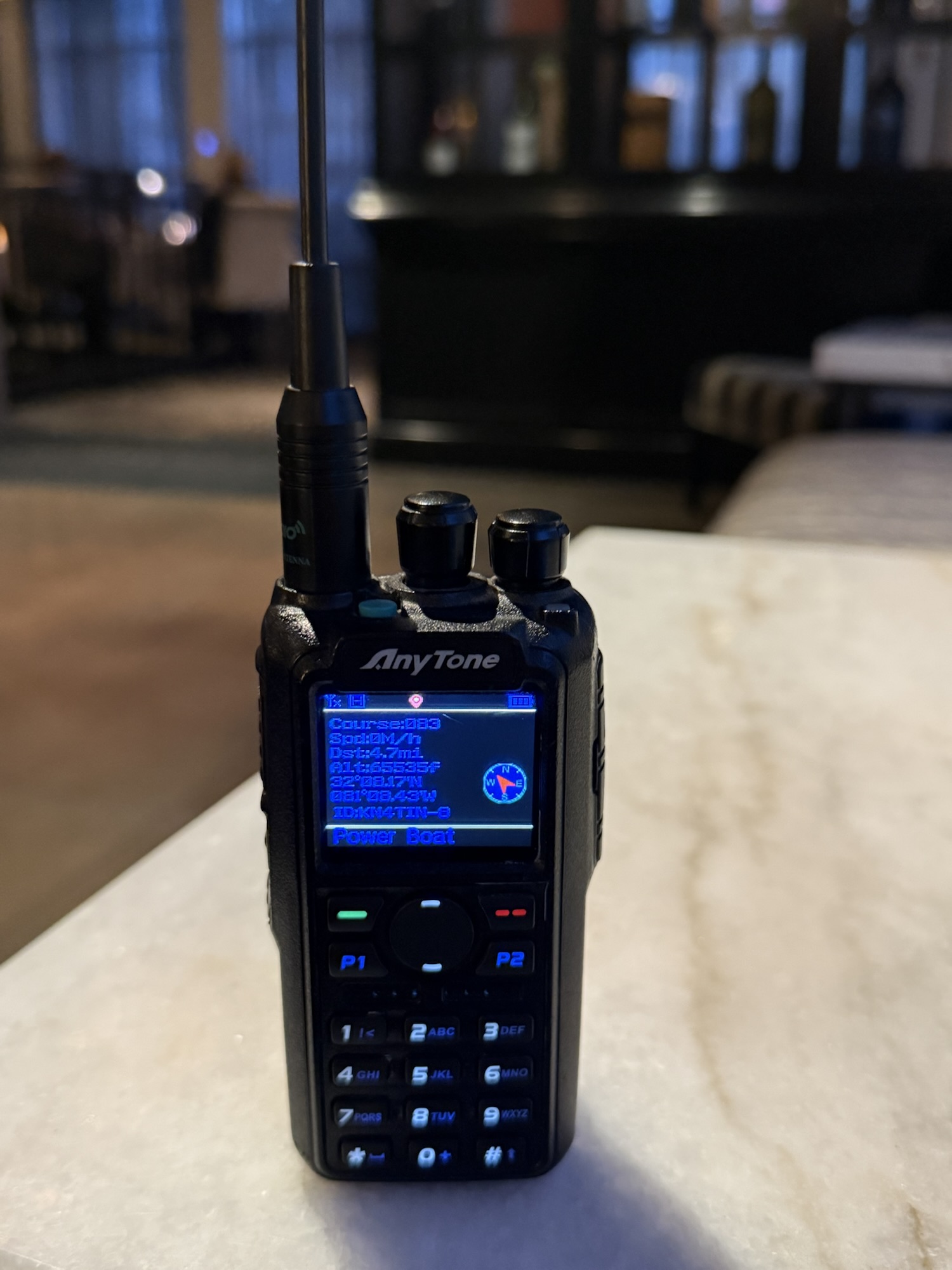
This is intended to be a quick reference to navigating APRS on the Anytone 878. I use the Anytone model AT-878UVII PLUS, firmware version 4.0, and these settings work for me. These are instructions for using the buttons on the radio. You can also program the radio using the Anytone CPS.
- Turn on GPS in the GPS menu Menu>GPS>On.
- In the APRS menu set APRS packet upload type to Analog Menu>APRS>Upload Type>Sel A APRS.
- Set the APRS packet upload interval Menu>APRS>Intervals Set>(interval).
- Tell the Anytone to include its current GPS coordinates in the APRS upload packet Menu>APRS>Upload Beacon>GPS Beacon.
- Confirm PTT APRS beacon upload is set to OFF Menu>APRS>Ana APRS>PTT Upload>Off.
- Set the TX power for interval beacons Menu>APRS>Ana APRS>Upload power>(your preference).
- Set upload WN to wide Menu>APRS>Ana APRS>Upload WN>Wide.
- Set the analog APRS upload frequency Menu>APRS>Ana APRS>Upload Frequency>Frequency 1>Edit Freq>144.39000.
- Set your signal path Menu>APRS>Ana APRS>Signal Path>WIDE1-1,WIDE2-1.
- Define short text you want included with your beacon Menu>APRS>Ana APRS>Upload text>(Your text).
The radio is very good at transmitting beacons. It is not so good at receiving beacons, but it will work for receiving strong signal beacons. Note, you may need to increase the pop-up display time of receive beacons (must use Antytone CPS) due to the slow processing power of the radio.

Discover more from Jarrod Andrews
Subscribe to get the latest posts sent to your email.